
Formats in practice
EASA and FAA logbook formats in practice
Pilots often ask whether a digital logbook is "EASA" or "FAA." In real careers the better question is whether your records can be reviewed, exported, and explained in the format the next person needs without rebuilding everything from scratch.
What this page covers
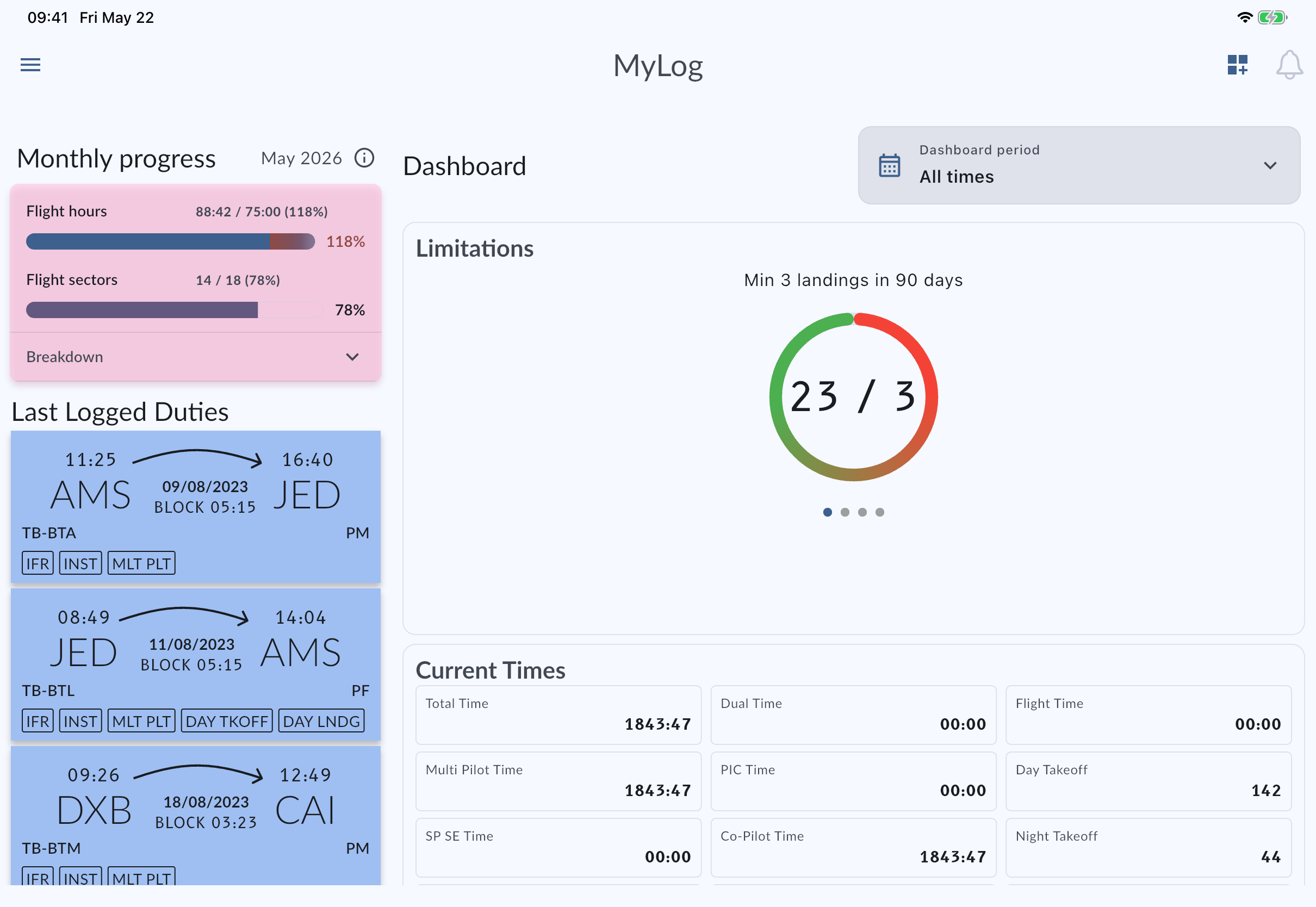
- MyLog supports EASA-ready and FAA-compatible logbook outputs grounded in structured flight and simulator records.
- Format readiness depends on complete entries: aircraft, times, crew, night, remarks, and related career context.
- Authority, airline, and school requirements still vary; MyLog organizes records, it does not replace official judgment.
What "format ready" should mean for a pilot
A useful format is more than a PDF that looks official. It should come from records you can defend: dates, aircraft, route or airports, crew roles, block and flight times, night calculations, simulator sessions, and remarks that still make sense later.
MyLog is built so those fields live in one system. EASA-ready and FAA-compatible outputs then become a view over structured data, not a one-off document you maintain separately from the logbook you fly with every day.
Where MyLog helps day to day
For many pilots the friction appears when regions, employers, or paperwork styles change. You may need an EASA-oriented export for one workflow and an FAA-compatible view for another, while still tracking personal or company limits, monthly progress, and career documents.
Keeping flight hours, simulator time, aircraft experience, Crew Documents, endorsements, and exports together reduces the classic failure mode: three tools, three totals, and a weekend spent reconciling them before an interview or check.
Honest limits
MyLog cannot invent missing operational details. If an imported file never captured night time, crew, or aircraft correctly, an export will reflect that gap. Company forms, examiner preferences, and local interpretations also differ. Treat MyLog as the system of record for your flying history, then verify any submission against the specific requirement you are meeting.
That honesty is intentional. Overclaiming "one click compliance" helps nobody when a real audit asks for context the source data never had.
A practical checklist before you export
Review recent flights and simulator sessions for aircraft and time completeness. Confirm night and role fields where they matter for your totals. Check that Previous Experience and imported history match the career story you intend to present. Attach or update Crew Documents and endorsements if the next step is application or company onboarding. Then export PDF or Excel from the same records you already maintain.
If you are still migrating, finish the migration baseline first so the export is not fighting an empty or partial history.
Questions pilots ask
Does MyLog support EASA logbook output?
Yes. MyLog supports EASA-ready logbook formats based on structured pilot records maintained in the app.
Does MyLog support FAA-compatible formats?
Yes. MyLog supports FAA-compatible logbook workflows alongside the same flight, simulator, and career records.
Can one logbook cover pilots who move between regions?
That is a core reason MyLog keeps structured records and multiple output paths in one system, while still expecting pilots to verify submissions against local requirements.