
Founder story
Why I built MyLog
I am a pilot, and I built MyLog because the logbook problem is not abstract for me. It shows up after late sectors, after simulator days, and whenever career paperwork asks for records that are still scattered across paper, spreadsheets, and half-finished exports.
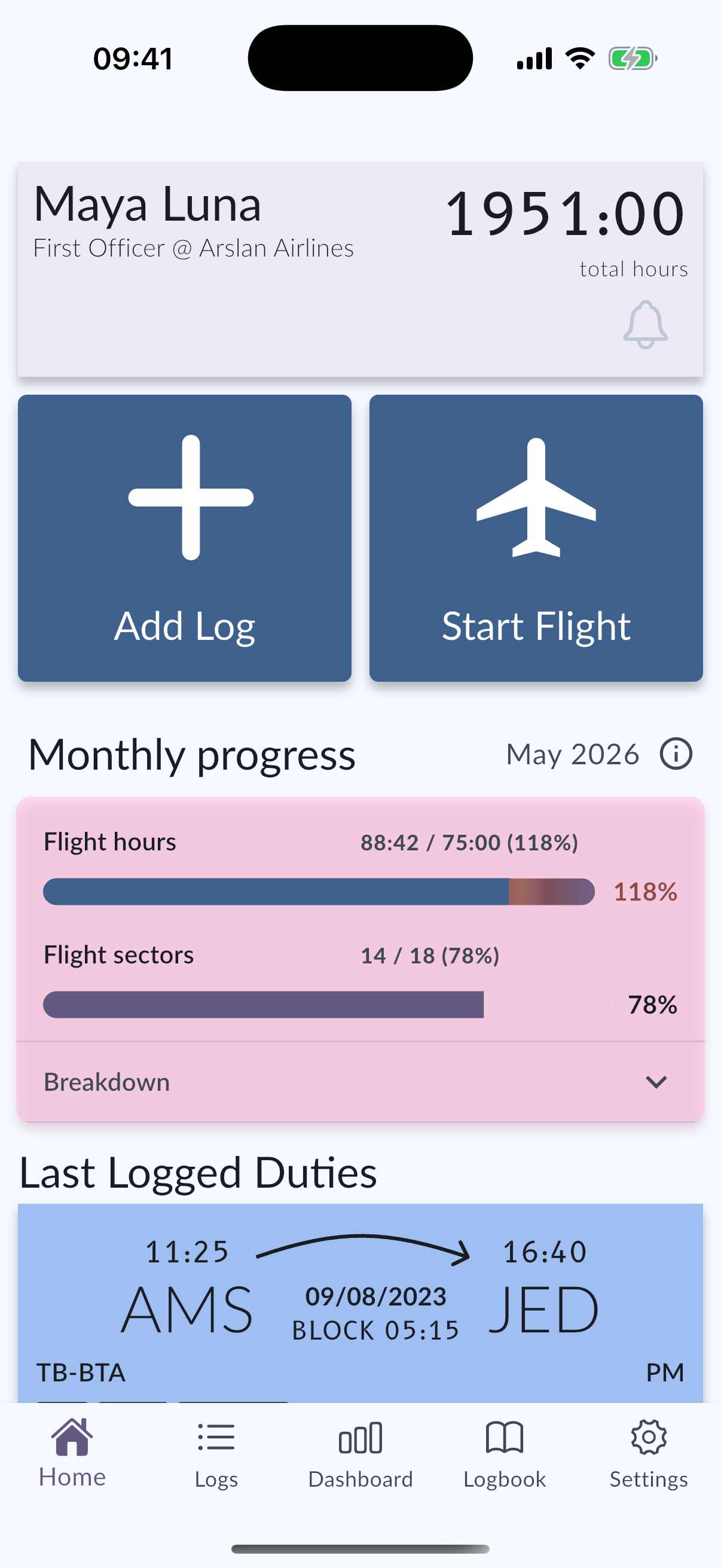
What this page covers
- The product starts from a pilot's daily logging friction, not from a generic productivity checklist.
- A useful logbook has to preserve context: aircraft, crew, night time, simulator work, documents, and exports.
- MyLog exists to make migration, cross-device logging, and career records less painful over a long career.
The problem was never only "logging a flight"
Saving one entry is the easy part. The hard part is keeping a record that still makes sense months later: which aircraft, which airports, who was in the crew, how night time was calculated, what the simulator session covered, and whether the totals still match the paperwork someone is asking for.
Paper logbooks are familiar, but they become slow when you need searches, exports, backups, or a clean career summary. Spreadsheets can store numbers, but they rarely understand aviation structure. Older apps often force a trade-off between Apple-only workflows, weak Android support, painful imports, or records that are hard to reuse for resume and company needs.
What I wanted as a pilot, not as a marketer
I wanted a logbook I would trust after a long day: fast enough for everyday entries, structured enough for audits, and flexible enough when life moves between devices, airlines, schools, or regions.
That meant Smart Import for messy history, collaborative aircraft data so pilots are not retyping the same airframe forever, EASA-ready and FAA-compatible outputs, Crew Documents, limitation context, dashboards, Apple Watch Live Flight, widgets, and Android support. None of those features were invented as keyword decoration. They came from the places pilots actually get stuck.
First-hand product decisions
Some decisions look small from the outside and large in the cockpit. Night calculations matter. Simulator sessions should not feel like second-class records. Previous experience should be enterable without pretending every hour arrived from a perfect digital export. Resume-ready records should pull from the same logbook you already maintain, instead of asking pilots to rebuild their career in another tool.
MyLog is still evolving, and I would rather be honest about limits than oversell magic. Imports depend on the quality of the source file. Company workflows vary. Authority and airline requirements change. The product goal is not to replace professional judgment. It is to keep pilot records organized enough that judgment starts from cleaner data.
Who this product is for
MyLog is for pilots who want one connected place for flight and simulator history across iPhone, iPad, Apple Watch, and Android. It is also for airlines and flight schools that need clearer visibility, integration paths, and company-specific limitation tracking when they offer MyLog corporately.
If you are comparing tools, start with the workflow you actually live in: migration path, device mix, export needs, documents, and whether the record will still help you two years from now.
Questions pilots ask
Who built MyLog?
MyLog is built by Bahadır Arslan, a pilot who started the product from real flight-logging and career-record friction rather than from a generic app template.
Is MyLog only for airline pilots?
No. MyLog is used across pilot careers, and it also has solution pages for airlines and flight schools that want organization-ready workflows.
Where can I learn how migration works?
See the migrating pilot logbook guide for previous experience entry, direct imports, Smart Import expectations, and practical limits.