Mobile-first logging
Log flights from the devices pilots already carry, with iPhone, iPad, Apple Watch, Android, widgets, shortcuts, and Live Flight support.
 MyLog
MyLog Pilot logbook app
MyLog helps pilots keep flight logs, simulator sessions, aircraft records, crew details, documents, limitations, dashboards, and resume-ready history available across mobile devices.
Log flights from the devices pilots already carry, with iPhone, iPad, Apple Watch, Android, widgets, shortcuts, and Live Flight support.
Keep flight hours, aircraft, airports, crew, block times, simulator work, custom fields, limitations, night calculations, and remarks in consistent records.
Build a record that remains useful for training, recurrent checks, company workflows, airline applications, EASA or FAA logbook outputs, and resume exports.
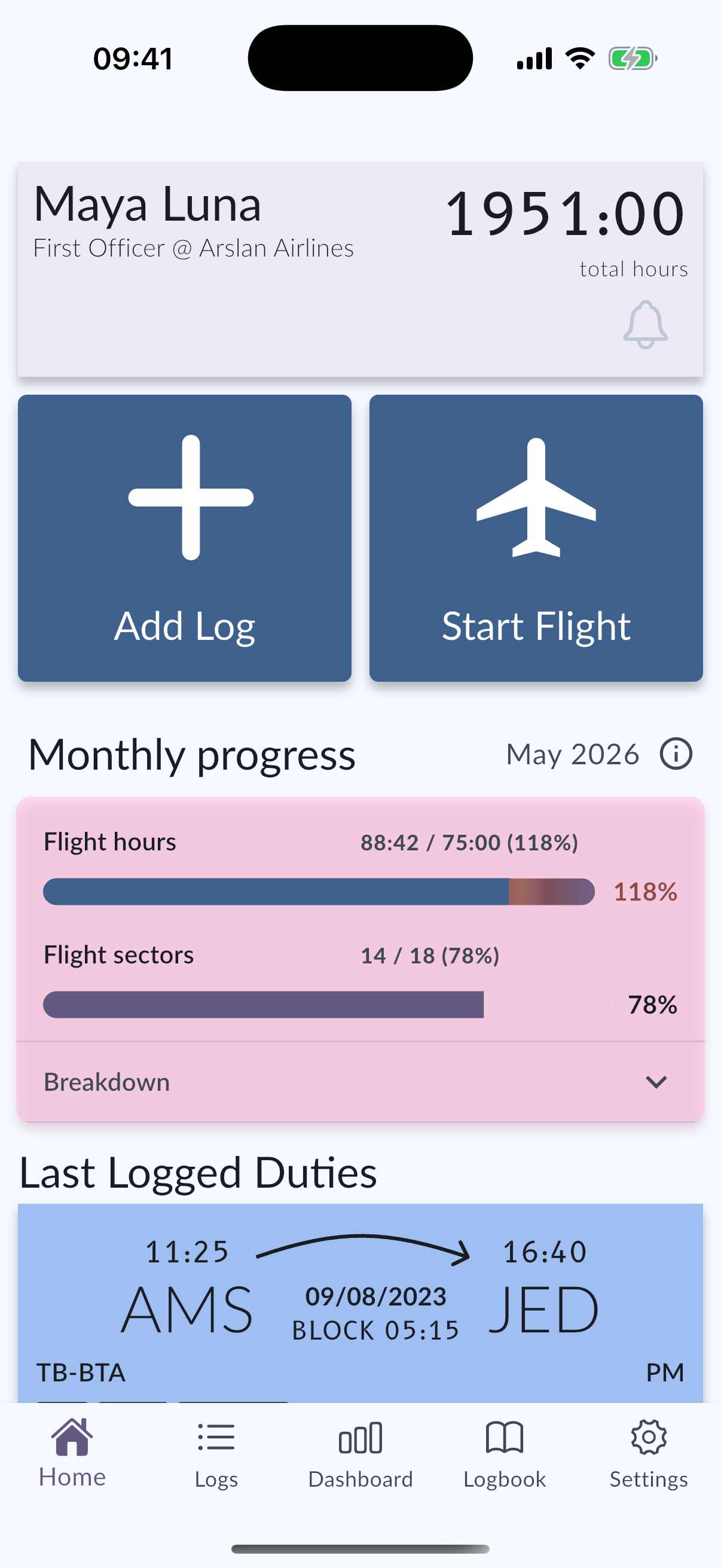
Use iPhone, iPad, Android, widgets, shortcuts, or Apple Watch Live Flight so the entry happens close to the actual flying day.
Reuse collaborative aircraft data, ICAO type information, crew details, and custom fields instead of rebuilding the same structure every time.
Review totals, simulator history, documents, and exports later on another device without migrating into a second personal system.
Continue with official MyLog pages that explain the product, supported platforms, and pilot record workflows.
MyLog is built around the details pilots need after the flight is over, not just a simple hour total. A record can connect aircraft, departure and arrival airports, crew, block and flight times, PIC, IFR, night, remarks, simulator work, previous experience, custom fields, documents, endorsements, and limitation context. Keeping these fields together helps pilots review training history, prepare paperwork, check totals, and export professional records without rebuilding the same information in separate spreadsheets.
A general notes app or spreadsheet can store entries, but it usually cannot understand aviation-specific structure. MyLog treats pilot records as long-term data: aircraft details can be reused, ICAO type information keeps aircraft naming cleaner, Smart Import can help with older records, and exports can support EASA-ready or FAA-compatible logbook workflows. That structure is useful when a pilot changes devices, applies for a role, checks monthly progress, or needs consistent records for a company, school, or authority.
The value of a logbook app often appears months or years after the entry is created. A pilot may need to prove recent experience, explain simulator training, export a period of records, prepare a company form, or review aircraft-specific totals. MyLog keeps those future reviews in mind by organizing entries around consistent fields, connected records, and exportable history. The app is meant to make the daily logging flow faster while preserving enough structure for later review.
A pilot logbook app records flight hours, aircraft, airports, crew, time details, simulator sessions, remarks, documents, limitations, endorsements, and related career records.
Yes. MyLog is available for Android in addition to iPhone, iPad, and Apple Watch.
Yes. MyLog includes Apple Watch support for pilot workflows such as live flight interaction.